Skip to content
Techi Pilot

Techi Pilot

  • Home
  • Laptops
  • Computer
  • About Us
  • Privacy Policy
  • Contact us
Techi Pilot
Techi Pilot
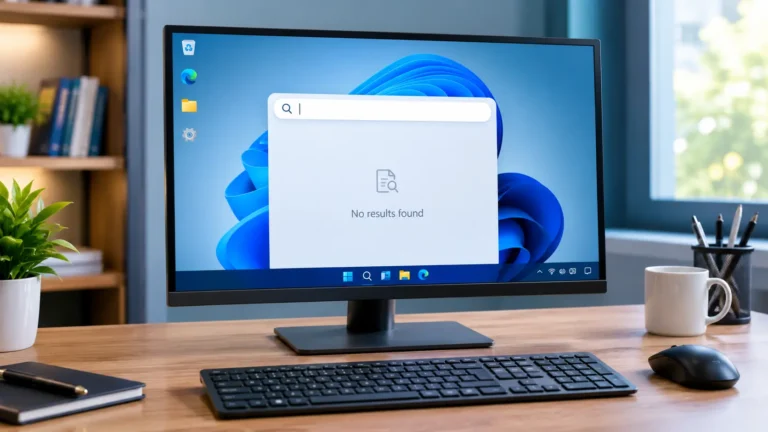
  • Windows 11 Search Not Working? Computer monitor showing no results in the Windows search panel.
    Computer | Laptops

    Windows 11 Search Not Working? 11 Easy Ways to Fix It

    BySahil Ansari October 5, 2026October 5, 2026

    Windows 11 search not working? Restart Windows Explorer from Task Manager first. Then end the SearchHost.exe process and restart the Windows Search service. If it still fails, install Windows updates, then rebuild the search index to restore your search results. In this guide, you will learn how to identify the exact Search problem and try…
    Read More Windows 11 Search Not Working? 11 Easy Ways to Fix ItContinue

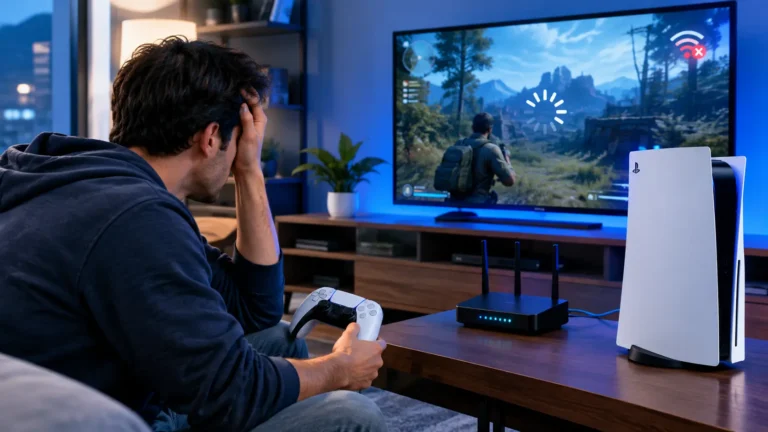
  • Why Is My PS5 Lagging With Good Internet? A frustrated gamer faces a frozen game beside a PS5 and Wi-Fi router.
    Play Station

    Why Is My PS5 Lagging With Good Internet? 11 Easy Fixes

    BySahil Ansari October 2, 2026October 2, 2026

    Your PS5 can lag even when your internet speed looks good. Fast download speed does not guarantee low ping, stable latency, or zero packet loss. Wi Fi interference, network congestion, router problems, game servers, and issues with the connection between your PS5 and the game server can all cause lag. If your PS5 feels delayed,…

    Read More Why Is My PS5 Lagging With Good Internet? 11 Easy FixesContinue

  • How to Fix a Black Screen on Windows 11 with a desktop monitor showing a blank screen in a modern home office.
    Computer | Laptops

    How to Fix a Black Screen on Windows 11: 11 Easy Ways

    BySahil Ansari October 1, 2026October 1, 2026

    Here is how to fix a black screen on Windows 11: press Windows + Ctrl + Shift + B to reset the graphics driver. Then check your cable, restart Windows Explorer, and try Safe Mode to update or roll back your graphics driver. You press the power button, the fans spin, the lights come on,…

    Read More How to Fix a Black Screen on Windows 11: 11 Easy WaysContinue

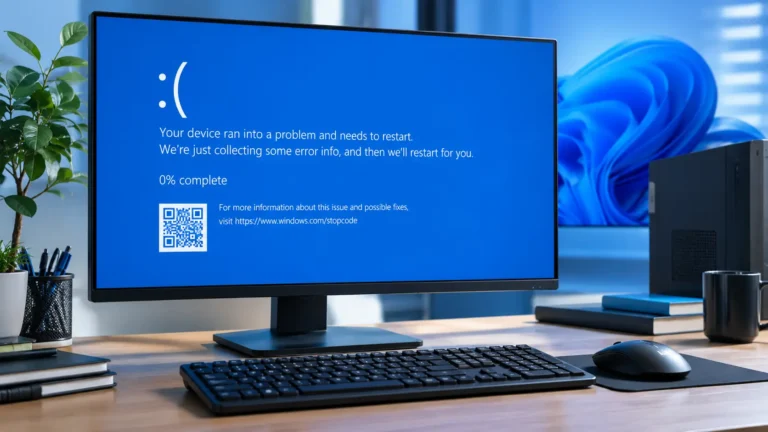
  • How to Fix the Blue Screen of Death on Windows 11, shown on a desktop monitor displaying a blue screen error.
    Computer | Laptops

    How to Fix the Blue Screen of Death on Windows 11: 11 Easy Fixes

    BySahil Ansari September 30, 2026September 30, 2026

    How to Fix the Blue Screen of Death on Windows 11. If Windows 11 shows a Blue Screen of Death (BSOD), start by writing down the stop code, then check for recent Windows or driver changes. Next, try Safe Mode, update or roll back problem drivers, repair Windows system files, and test your RAM if…

    Read More How to Fix the Blue Screen of Death on Windows 11: 11 Easy FixesContinue

  • Why Does My Computer Keep Crashing? A frustrated user faces a desktop computer showing a blue crash screen.
    Computer

    Why Does My Computer Keep Crashing? 11 Proven Fixes

    BySahil Ansari September 29, 2026September 29, 2026

    Why does my computer keep crashing? A computer can keep crashing because of driver problems, faulty RAM, overheating, damaged Windows files, failing hardware, software conflicts, or other system errors. Check your temperature and updates first, then test your RAM and scan for malware if the crashes continue. This guide walks you through how to spot…

    Read More Why Does My Computer Keep Crashing? 11 Proven FixesContinue

  • Why Does My Computer Keep Restarting? A desktop monitor displays a restarting screen beside a blue-lit PC tower.
    Computer

    Why Does My Computer Keep Restarting? 11 Proven Fixes

    BySahil Ansari September 28, 2026September 28, 2026

    Why does my computer keep restarting? It happens when Windows crashes or the hardware loses power. Common causes are bad drivers, Windows updates, overheating, faulty RAM, and a weak power supply. Check for updates and heat first, then test your RAM and power supply. This guide shows you how to spot your type of restart,…

    Read More Why Does My Computer Keep Restarting? 11 Proven FixesContinue

  • Why Does My Computer Keep Freezing? desktop computer with a frozen Windows screen and loading icon
    Computer

    Why Does My Computer Keep Freezing? 11 Easy & Proven Fixes

    BySahil Ansari September 27, 2026September 27, 2026

    If you keep wondering why does my computer keep freezing, the short answer is overheating, faulty RAM, outdated drivers, or too many programs running at once. Start by checking resource usage and temperature, then update drivers, scan for malware, and test your RAM if the freezing continues. This guide explains what’s going wrong, how to…

    Read More Why Does My Computer Keep Freezing? 11 Easy & Proven FixesContinue

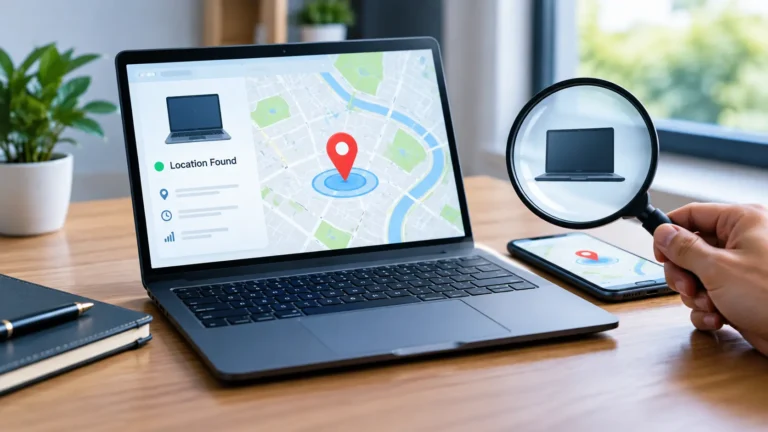
  • How to Track a Stolen Laptop using a location map and smartphone to help locate the missing device.
    Laptops

    How to Track a Stolen Laptop: 7 Proven Ways

    BySahil Ansari September 25, 2026September 25, 2026

    You can track a stolen laptop if a feature like Windows Find My Device was turned on before it went missing. Sign in to your Microsoft account online, check the device’s last known location, then lock it remotely and report the theft to the police right away. This guide on how to track a stolen…

    Read More How to Track a Stolen Laptop: 7 Proven WaysContinue

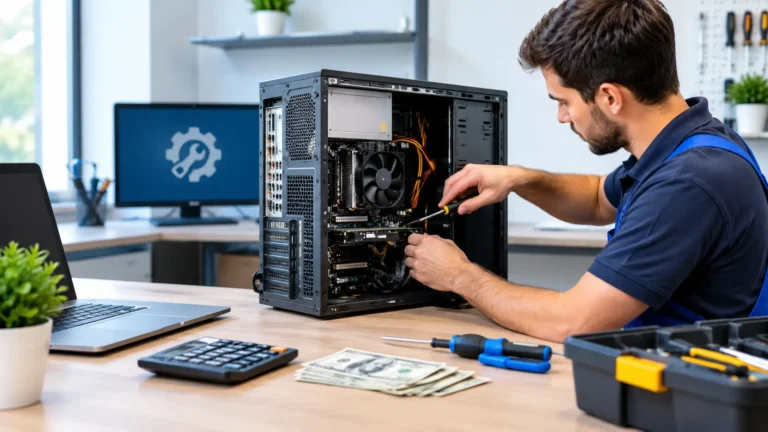
  • How Much Does Computer Repair Cost with a technician servicing an open desktop computer at a repair shop
    Computer

    How Much Does Computer Repair Cost? (2026 Price Guide for USA)

    BySahil Ansari September 24, 2026September 24, 2026

    In 2026, computer repair usually costs between $50 and $300 in the USA. Simple software fixes are cheaper, while screen or hardware repairs cost more. Laptops often cost more to fix than desktops. Always get a written quote first to avoid overpaying. In this guide, you’ll learn exactly what affects the price, so you can…

    Read More How Much Does Computer Repair Cost? (2026 Price Guide for USA)Continue

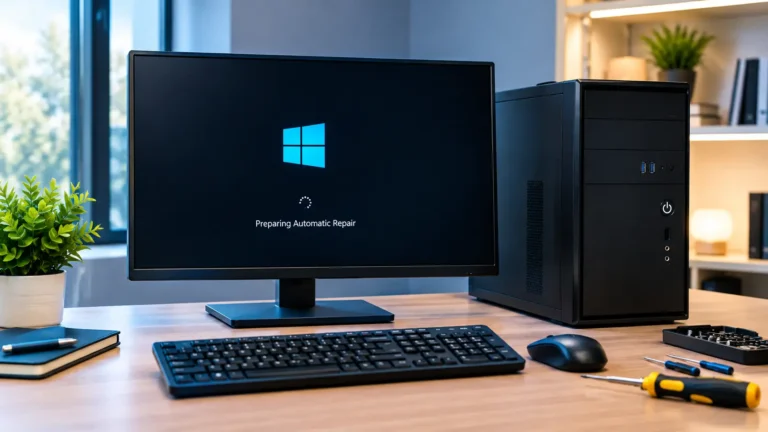
  • Windows 11 won’t boot with a desktop computer showing Automatic Repair on the monitor
    Computer

    Windows 11 Won’t Boot? 10 Proven Ways to Fix It

    BySahil Ansari September 19, 2026September 19, 2026

    Windows 11 won’t boot? Start by checking power, cables, and connected devices. Then try Startup Repair, Safe Mode, System Restore, or uninstalling recent updates. If these fail, check the drive and run Windows recovery tools to repair damaged system files. In this guide, you’ll learn safe ways to find the cause and get Windows 11…

    Read More Windows 11 Won’t Boot? 10 Proven Ways to Fix ItContinue

Page navigation

1 2 3 … 5 Next PageNext

Latest Posts

  • Windows 11 Search Not Working? 11 Easy Ways to Fix It
  • Why Is My PS5 Lagging With Good Internet? 11 Easy Fixes
  • How to Fix a Black Screen on Windows 11: 11 Easy Ways
  • How to Fix the Blue Screen of Death on Windows 11: 11 Easy Fixes
  • Why Does My Computer Keep Crashing? 11 Proven Fixes

Categories

  • Computer
  • Laptops
  • Play Station
  • Privacy Policy
  • Contact us
  • About Us
  • Disclaimer
  • Cookies Policy

© 2026 Techi Pilot. All Rights Reserved.

  • Home
  • Laptops
  • Computer
  • About Us
  • Privacy Policy
  • Contact us